

This post may contain affiliate links, which means I may receive a small commission, at no cost to you, if you make a purchase.
Finding the right photo can make your blog feel polished, personal, and easier to enjoy. I’m exploring free blog stock photo sites so you can spend less time searching and more time creating posts that look like you — especially handy if you’re still working out how to start a blog the right way.
You can find useful, permission-friendly images without paying for every photo. I’ll also cover how to choose images confidently and give free stock photos a more consistent fit with your brand.
Table of Contents
1) Unsplash
I use Unsplash when I need clean, polished photos for a blog post without spending hours searching. Its library covers food, travel, home projects, nature, people, and plenty of everyday subjects.
The search bar makes browsing simple, and I can open a photo to view similar images or explore the photographer’s other work. I usually search with specific phrases, such as “cozy kitchen” instead of just “kitchen,” to find images that better match my post.
Unsplash allows free use of its photos, including for many commercial projects, without requiring permission. I still check the current license and avoid implying that a photographer or person in a photo supports my content.
I like downloading a few image sizes so I can choose one that fits my blog layout without slowing the page unnecessarily. Giving the photographer credit isn’t always required, but I add it when I can because it’s a thoughtful way to support the creators behind the images.
2) Pexels
I use Pexels when I need polished, free photos without spending ages searching. Its library covers plenty of useful blog topics, including food, travel, home projects, people, and nature.
The search tools make it easy to browse by keyword, orientation, size, and color. I can also explore curated collections when I’m not sure exactly what kind of image I want.
Pexels lets me download photos in different sizes, which helps when I need a smaller file for faster page loading or a larger one for a featured image. I can use the photos for blog posts without adding attribution, although I still like to credit photographers when it feels appropriate.
I check each photo before publishing because some images include recognizable people, brands, or private property. I also avoid using a stock photo to suggest that a person or business supports my blog or product.
3) Pixabay
I often check Pixabay when I need a free photo for a blog post. Its search tool covers plenty of subjects, including food, travel, home projects, nature, and people, so I can usually find several useful options without spending much time.
Pixabay’s images carry a license that generally allows free use, including for many commercial projects. I still read the current license details before publishing, especially when an image includes recognizable people, logos, artwork, or private property.
I like that Pixabay offers more than photos. I can also find illustrations, vectors, and videos, which helps when I want to create a matching visual style across a blog post or social media graphic.
The quality varies, so I preview each image at its full size and check whether it fits my layout. I also avoid downloading anything that looks heavily edited or includes visible branding unless it suits the post.
4) Burst by Shopify
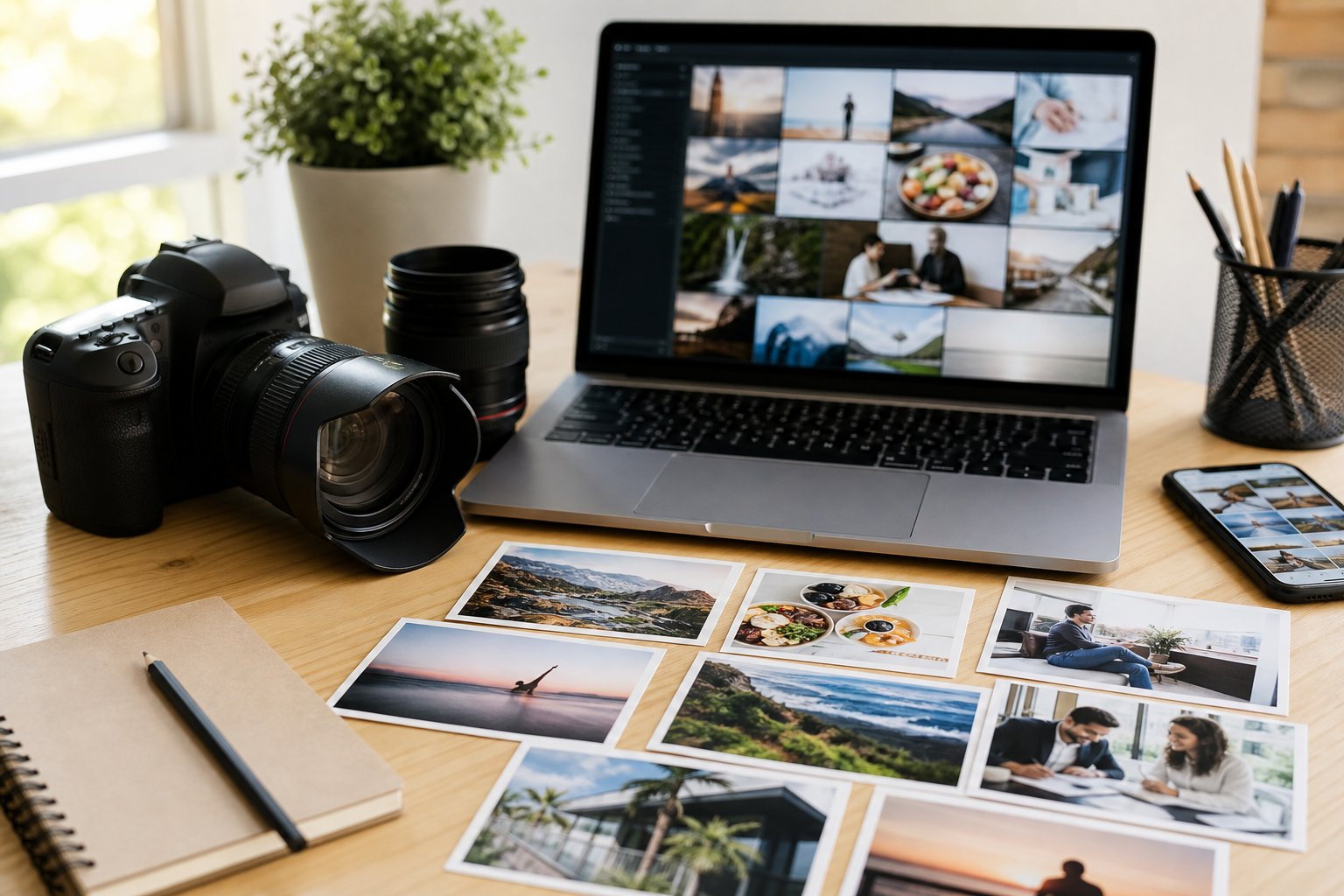
I turn to Burst by Shopify when I want clean, polished images for blog posts without paying for a subscription. Its library covers useful categories such as food, business, fashion, home, travel, and nature, so I can usually find something that fits my topic.
The search tool helps me narrow the options quickly. I can browse collections or search with simple terms, then download images in a size that works for my blog. I like having both wide photos for featured images and smaller options for posts or social media.
Burst offers photos under its own license, and many images can be used for commercial projects without attribution. I still check the license details for each download, especially if I plan to edit the image, use it in advertising, or include it in a product.
The photos often have a modern, professional look, which works well when I want my blog to feel fresh without spending hours creating graphics. I can also use the images as backgrounds, Pinterest graphics, or supporting visuals throughout a post.
5) Kaboompics
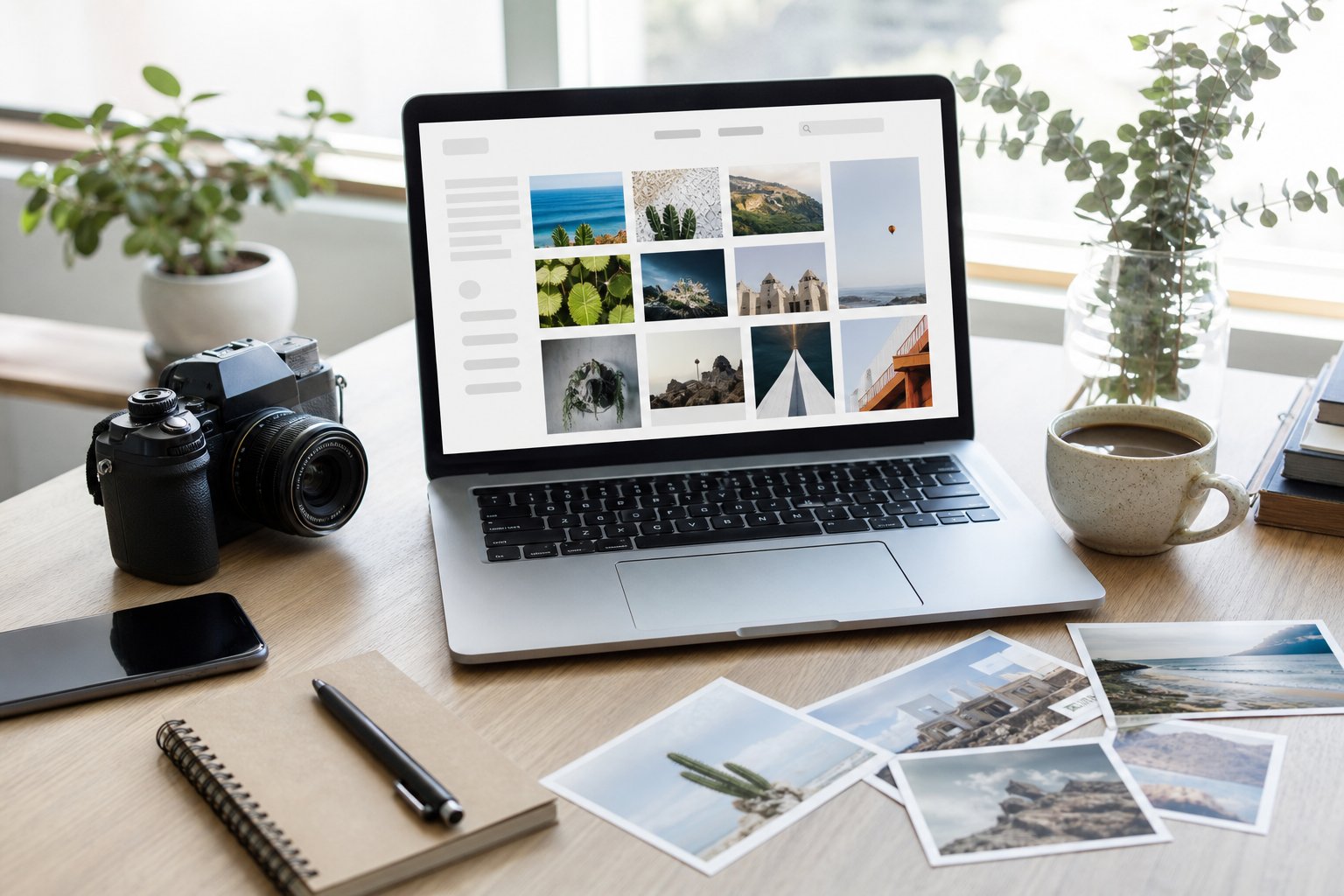
I use Kaboompics when I want bright, polished photos for blog posts, social media graphics, or Pinterest pins. The library focuses on lifestyle, interiors, food, and everyday scenes, so I can usually find images that feel personal rather than overly staged.
The search feature makes browsing simple, and many photos come with related images from the same shoot. That helps me keep a consistent look across several posts without spending hours hunting through unrelated results.
Kaboompics allows free use for personal and commercial projects, but I still check the site’s license before publishing. I also avoid reselling the images, presenting them as my own work, or using them in ways the license doesn’t permit.
I especially like the color palette search, which lets me look for photos that match my blog’s design. It’s a handy little feature when I’m trying to keep my images cohesive.
6) StockSnap.io
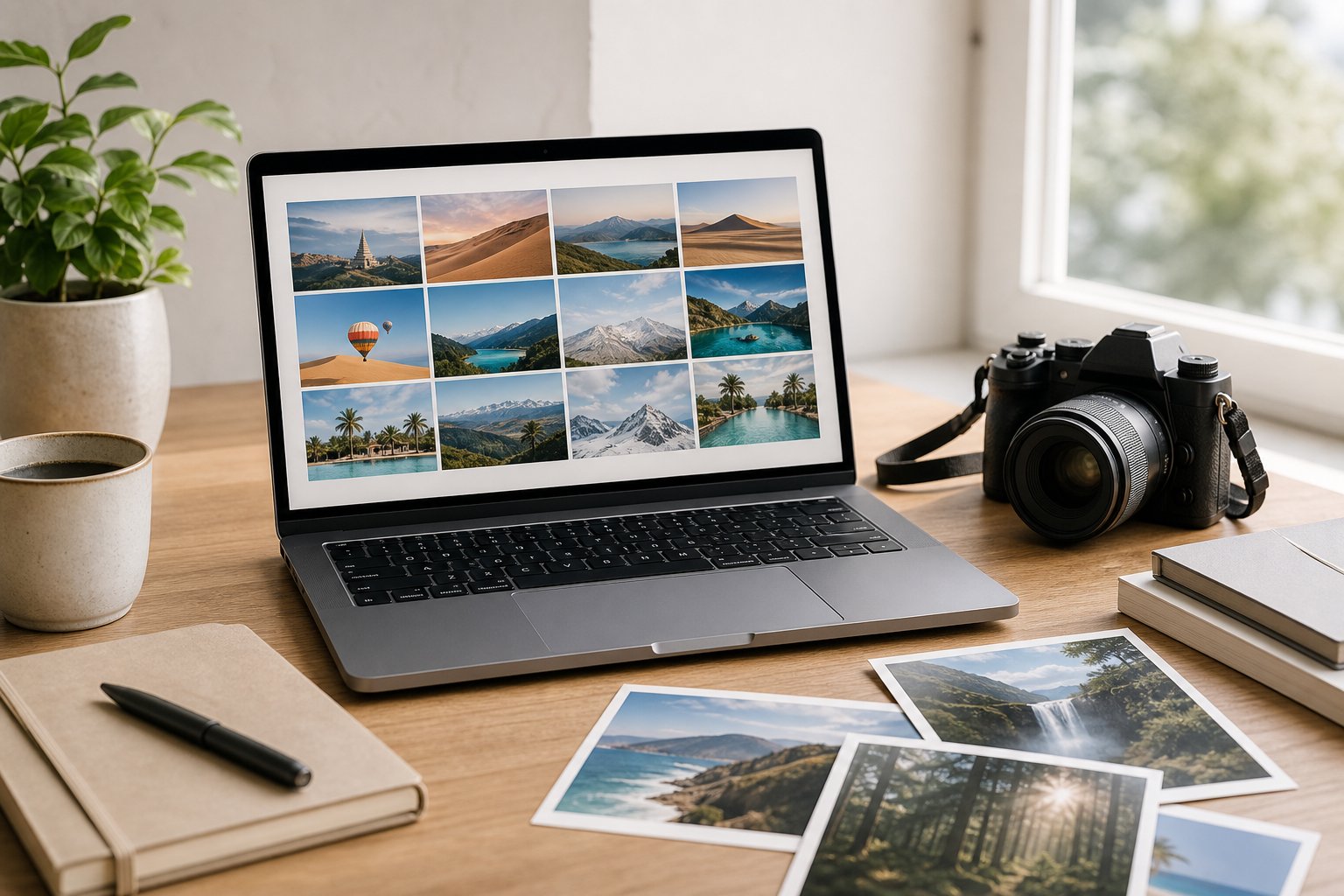
I often check StockSnap.io when I need a clean, attractive image for a blog post. Its library includes photos covering food, travel, nature, workspaces, people, and plenty of everyday subjects.
The site makes browsing simple. I can search by keyword, explore popular images, or sort photos by upload date, views, and downloads. That helps me find something fresh without clicking through endless pages.
StockSnap.io labels its images under the CC0 license, so I can use them for personal or commercial projects without requesting permission or adding attribution. I still check the current license details before publishing, especially when I plan to edit an image or use it in promotional materials.
I like that the photos feel less repetitive than the usual stock images. Some images work especially well for featured blog graphics, Pinterest pins, email headers, and social media posts.
7) Gratisography
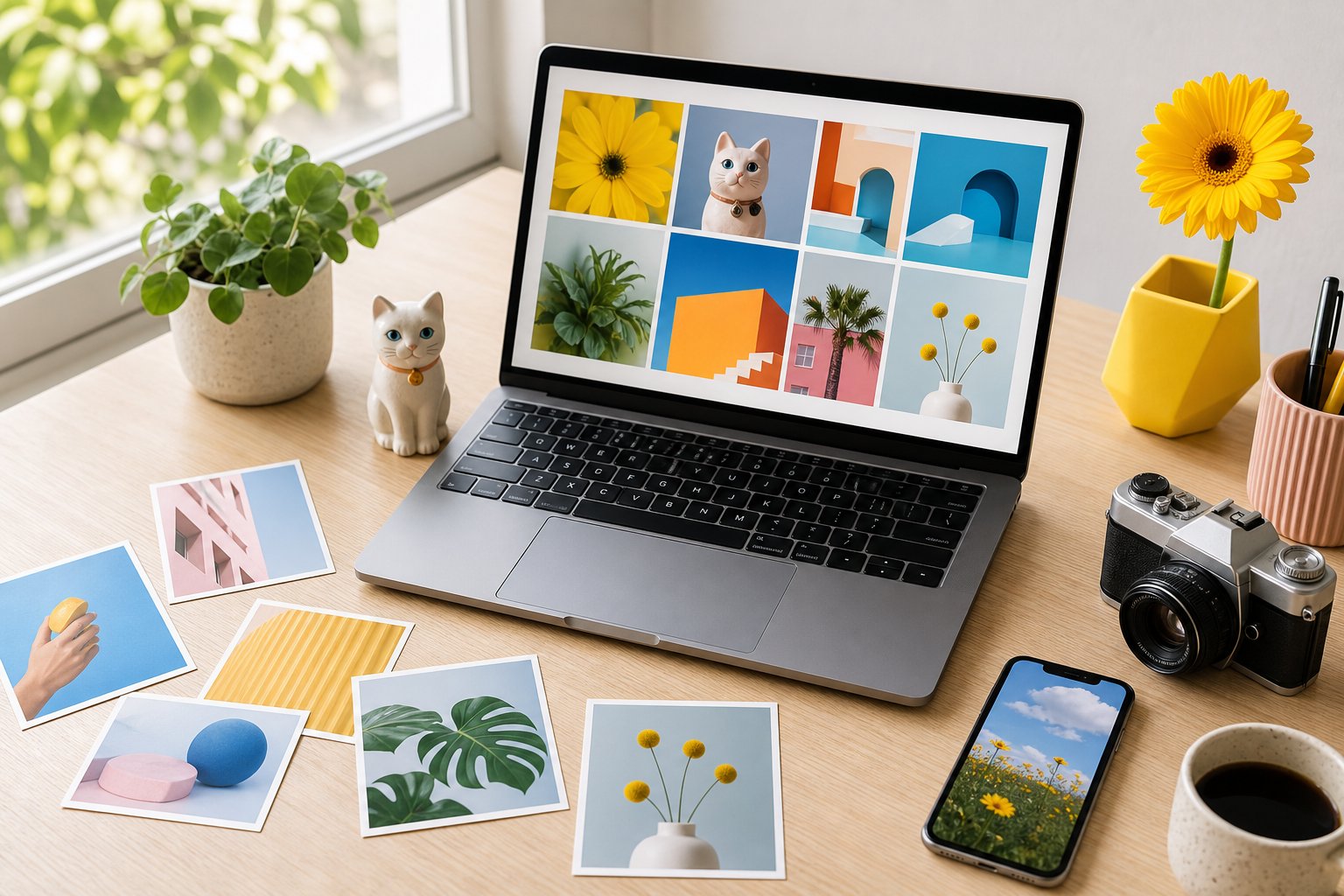
I like Gratisography when I want blog photos with a little more personality. The collection includes free images that feel playful, unusual, and less predictable than standard stock photography.
I can browse categories such as animals, people, nature, objects, and food. The search options aren’t as extensive as some larger photo libraries, so I usually explore the site with a loose idea rather than a very specific image in mind.
Gratisography allows free use of its images for many personal and commercial projects, but its license specifically doesn’t allow reposting the photos on another stock site, so I keep that one restriction in mind and still check the current license before publishing. I also avoid using photos in ways that suggest a person or brand endorses my blog, product, or service.
The site works well for featured images, social media graphics, and posts that need something quirky. I download the largest suitable version, then resize and compress it before uploading so my page stays quick.
8) Picjumbo
I often check Picjumbo when I need bright, polished photos for a blog post. The site offers free images across categories such as food, travel, people, nature, and business, so I can usually find something that fits my topic.
The search feature helps me browse by keyword, while the category pages make casual exploring easy. I can download many images without creating an account, which keeps the process quick when I’m working on a deadline.
Picjumbo also provides premium collections and design resources, but I can stick with the free library if I don’t need those extras. Picjumbo publishes its free photos under a CC0-style license, so I can download, edit, and use them for personal or commercial projects without crediting the photographer. Before publishing an image, I still review the current license terms and avoid implying that people or brands in a photo endorse my content.
I like Picjumbo for blog headers, recipe posts, lifestyle articles, and social media graphics. The photos tend to feel clean and approachable, which saves me time when I want my blog to look more finished.
9) Life of Pix
I like Life of Pix when I need clean, high-resolution photos with a natural, editorial feel. The library includes landscapes, food, people, interiors, and everyday scenes, so I can usually find something that fits a blog post without much searching.
The photos come from photographers and are available for personal and commercial use under the site’s usage terms. I still check the license details before publishing, especially when I plan to use an image for advertising or on a product page.
Life of Pix organizes images by categories and includes a simple search tool. I can also browse photographer portfolios, which helps me find several photos with a similar style for a consistent look across my blog.
I appreciate the uncluttered presentation, but the collection may feel smaller than some larger stock libraries. When I find the right image, though, the quality makes it worth bookmarking.
A Few Boutique Finds Worth Knowing Too
The sites above cover the big, well-known libraries — but I didn’t want this to just be the same nine sites every “free stock photos” post recommends. These next few are smaller, more styled, and built specifically for bloggers who want a softer, more feminine look. Some started as tiny freebie roundups years ago and grew into real photo businesses.
10) Haute Stock
I know this one as Haute Stock, though it’s moved to hautestock.co since it first started as a small styled-photo shop. It’s membership-based now, but there’s a free Brand Style Quiz and a free resources section, so I can still pull a handful of on-brand images before deciding whether the paid library is worth it for a bigger project.
11) Ivory Mix
I go to Ivory Mix when I want photos that feel a little more curated than a generic library. It has a free account tier with hundreds of free styled photos, templates, and blog-growth freebies bundled in, which makes it one of the better all-in-one stops if you’re building out a blog’s whole visual identity, not just grabbing one photo.
12) Wonderlass
Wonderlass is one I’ve bookmarked for years — sign up and you get a set of free styled stock photos, with a clean, minimal aesthetic that works well for lifestyle and productivity posts. It’s a smaller library than the big platforms, so I use it more for a specific look than for volume.
13) Styled Stock Society
Styled Stock Society is a paid membership at its core, but the free Basic tier still gets you a real set of styled photos with no cost — enough to try before deciding if the paid plans are worth it for your blog.
14) Creative Convex
Creative Convex offers a free set of styled stock photos split between landscape and portrait orientations, which I appreciate — it saves me from cropping an image awkwardly when I need something vertical for Pinterest versus horizontal for a blog header.
Choosing Images You Can Use Confidently
I check both the image license and the site’s usage rules before adding a photo to my blog. A quick review helps me avoid attribution mistakes, restricted commercial use, and problems with recognizable people or branded products.
Understanding Creative Commons And Public Domain
Creative Commons licenses set specific rules for using someone else’s work. CC0 allows broad reuse without required attribution, while licenses such as CC BY require crediting the creator. CC BY-NC limits use to noncommercial projects, and CC BY-ND generally prevents editing the image. I avoid using a photo when the license terms don’t fit my blog or planned promotion.
Public-domain images don’t have active copyright restrictions in the relevant jurisdiction, but I still check the source’s notes. A photo may include a person, logo, artwork, or private property that creates separate concerns. I also avoid removing credit when a photographer requests it, even if the license doesn’t require attribution.
Checking Licenses Before You Download
I open the image’s license page instead of relying only on search results or a download button. I look for four details:
- Permitted use: Can I use it on a monetized blog?
- Editing rules: Can I crop, resize, or add text?
- Attribution: Does the creator require a name and link?
- Restrictions: Are logos, people, or resale prohibited?
I save the creator’s name, source URL, license information, and download date in my content notes. If the site gives different information from the photographer, I follow the stricter terms or choose another image. I also keep the original file and avoid claiming that I created it.
Making Stock Photos Feel More Like Your Brand
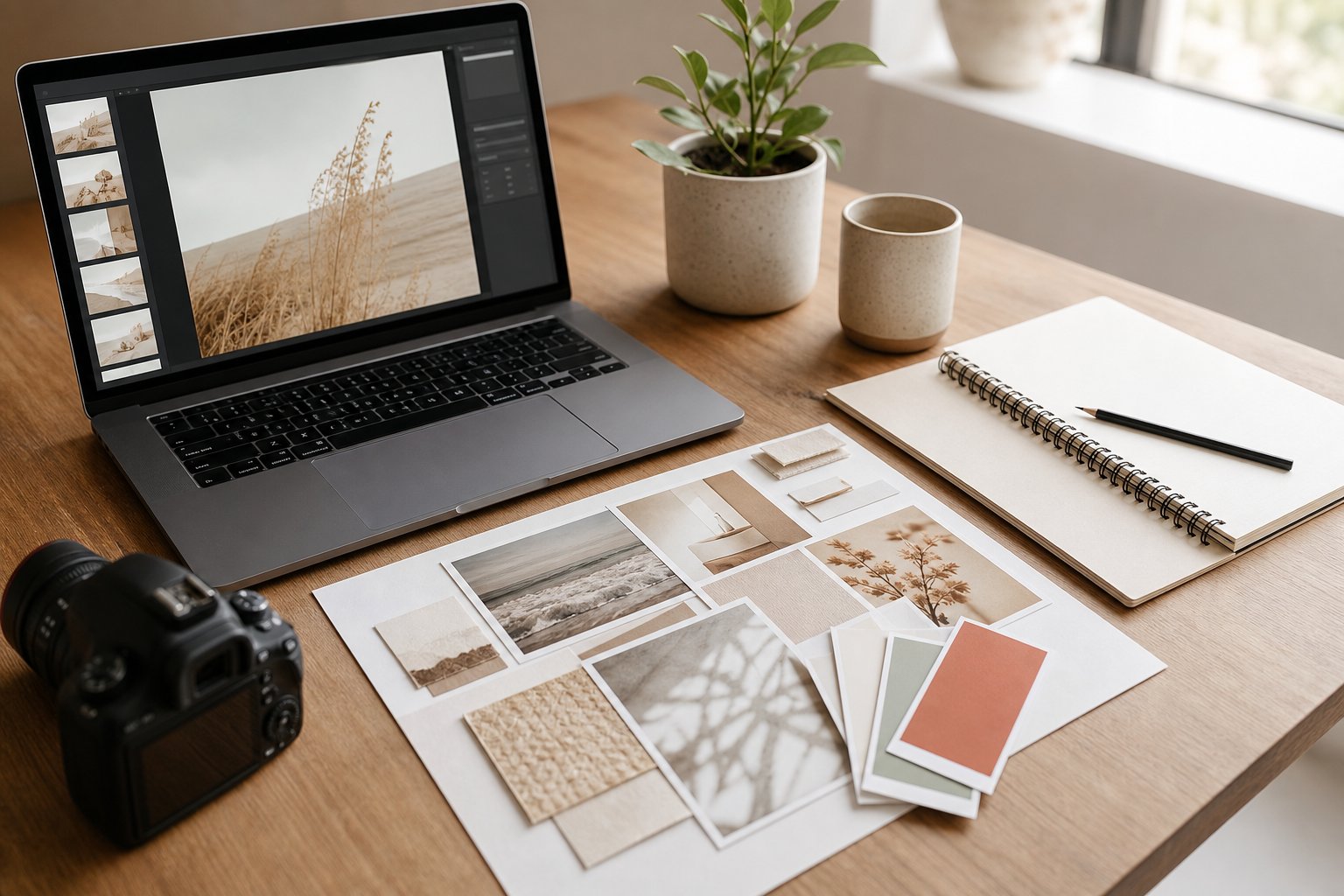
I create a consistent look by choosing images with colors, lighting, and subjects that fit my blog. Small edits—like a warm filter, cropped composition, or branded text (I usually build these in Canva)—can make free stock photos feel much more personal. If your whole blog still feels a little dated, it might be worth pairing a photo refresh with a new WordPress theme, too.
Picking Images That Match Your Color Palette
I start with my blog’s main colors, then look for photos that already include similar shades. If my palette uses soft beige, sage, and cream, I search for neutral backgrounds, green plants, linen textures, and natural wood instead of bright neon scenes.
I also pay attention to lighting and mood. Warm sunlight works well for cozy lifestyle blogs, while clean daylight suits food, home, or productivity content. I avoid mixing heavily edited images with crisp, natural photos because the difference can make my site feel untidy.
Before downloading, I check the image beside my website or brand guide. I look for:
- Background colors that leave room for headlines
- Clothing or props that fit my visual style
- Similar brightness across multiple images
- Cropping options for blog headers and social posts
Simple Edits That Add Personality
I use basic editing tools to give stock photos a consistent finish. Adjusting brightness, contrast, warmth, and saturation often makes a bigger difference than adding complicated effects.
I usually apply the same light preset to related images, then make small individual adjustments. For example, I might lower saturation, add a little warmth, and brighten shadows to create a soft, welcoming look.
Cropping also helps me control the composition. I can place the main subject on one side, leaving open space for a title or callout. For extra branding, I add my preferred font, a small logo, or a thin color overlay. I keep these elements subtle so the photo stays useful and easy to view.
I save edited files with clear names, such as spring-cleaning-blog-header.jpg, so I can find and reuse them quickly.
Frequently Asked Questions
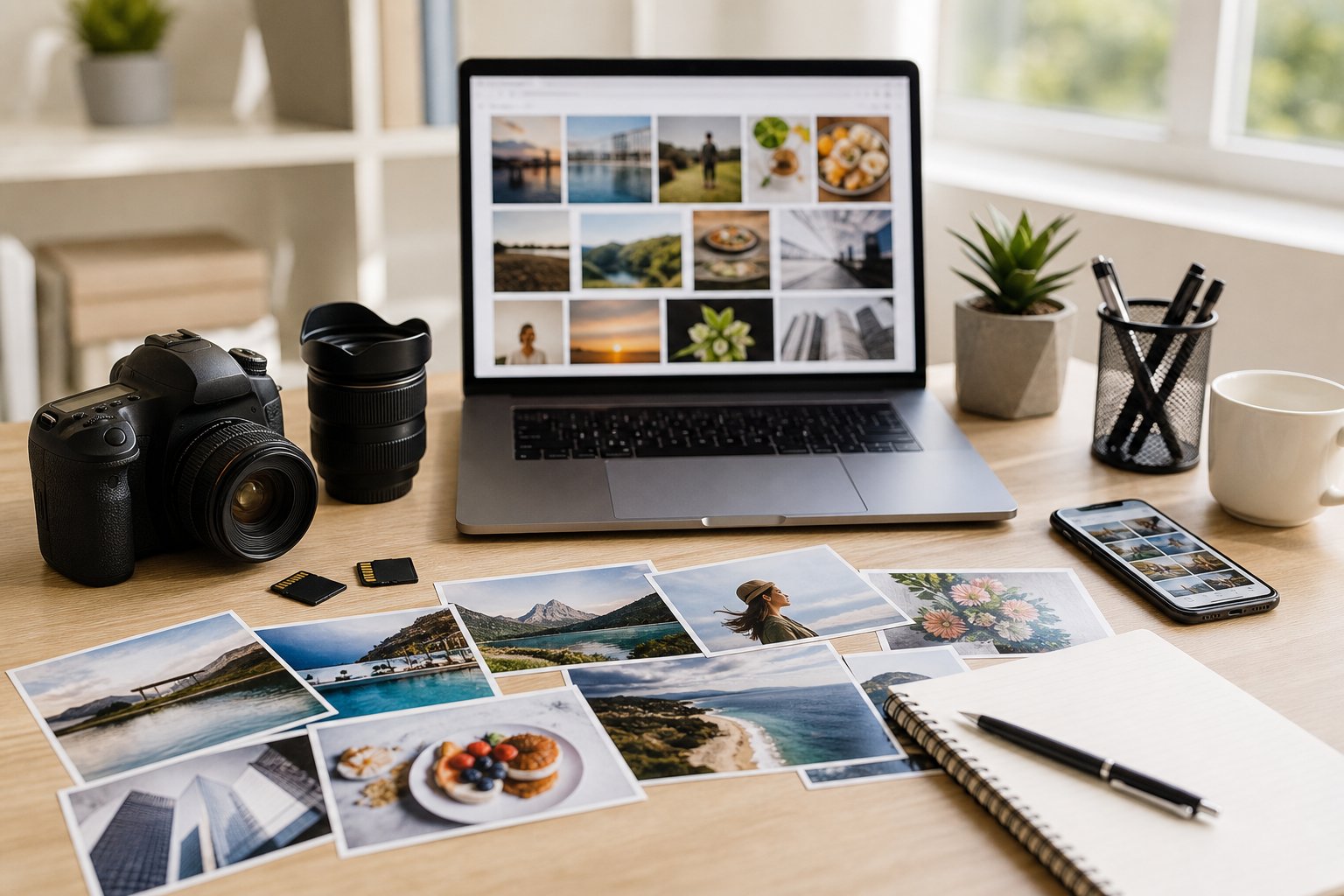
I look for clear licensing, useful image sizes, and natural-looking photos before adding an image to my blog. Unsplash, Pexels, Pixabay, Burst by Shopify, and Kaboompics each offer strong options for different styles and topics.
Where can I find beautiful free photos for my blog?
I usually start with Unsplash for polished lifestyle, travel, food, and nature photos. Pexels also offers a large collection with practical search filters and many vertical images that work well on mobile screens.
For colorful backgrounds, interiors, and fashion-focused images, I check Kaboompics. Burst by Shopify works especially well for business, product, retail, and entrepreneurship topics.
What’s the best website for free stock photos that are okay to use?
I often use Pexels because it offers a broad selection and a simple free-use license. Unsplash provides high-quality photos, while Pixabay includes photos, illustrations, vectors, and other media.
No site removes every responsibility, though. I still read the current license and check for restrictions before publishing an image.
Can I use free stock images on my blog without getting into copyright trouble?
I can usually use images from these sites on a blog when the image license allows commercial use and modification. I avoid implying that a person or brand endorses my blog, and I don’t sell an unmodified stock photo as my own product.
I also check for recognizable logos, private property, artwork, and identifiable people. When a photo includes any of these, I review the site’s rules and remove visible branding when appropriate.
How do I download free blog images in the right size?
I first decide where the image will appear. For a full-width blog header, I download a large landscape file; for a sidebar or in-content image, I choose a smaller version to reduce loading time.
I resize the file to match my blog’s content width, then save it as WebP or compressed JPEG when possible. I keep the original download in a separate folder in case I need to crop the image again.
Are there free photo sites with images that don’t look cheesy or overused?
I search with specific phrases instead of broad terms like “business” or “happy family.” Searches such as “morning light desk,” “hands writing recipe,” or “small bakery counter” usually produce more natural results.
I also check Kaboompics for less predictable compositions and browse newer uploads on Unsplash or Pexels. Before downloading, I look at the photographer’s other work to avoid using the same image that appears across dozens of blogs.
What should I look for in a photo before adding it to my blog post?
I check whether the image supports the point I’m making, leaves enough empty space for text, and matches my blog’s colors and mood. I also inspect the image at its intended size so I don’t accidentally use a blurry or awkwardly cropped photo.
Before publishing, I confirm the license, note any attribution requirement, and check for visible logos or sensitive details. I save the image source and photographer’s name with the file so I can find the information later.

13 thoughts on “13 Free Blog Stock Photo Sites (Plus 5 Boutique Finds Most Lists Miss)”
What a great roundup! I’m honored to be included. Thanks! 🙂
xoxo
Allison
Thanks so much Allison! I love how much personality each of your photos has 🙂
I am delighted to be included in this wonderful round up! Thank you so much! xx
Love this round up! Sometimes it’s hard to find free stock photos, especially when you have something specific in mind, but these are awesome!
Rachel / http://www.seashellsandsparkles.com
Hi Rachel! Thanks for stopping by! So glad you enjoyed the round up. I am still "oohing and ahhing" over all of the gorgeous images!
Awesome Line up, McKinzie@
Hi Latasha! Thanks for stopping by. I am glad you enjoyed the list 🙂
Thank you for such a comprehensive list of resources.
Absolutely! So glad you enjoyed it 🙂
What a lovely collection. Thanks for compiling it McKinzie.
Thanks so much Sherry! I hope you enjoy all of these beautiful stock photos 🙂
Gold And Berry and Ivory Mix are the best sites for my blog to see amazing free photos. Thanks for sharing these excellent posts.